- Help
- Students
Student Portal Access
Methods of Granting Portal Access
Students can access their portals using two methods: School-Managed Access and Spark User Access. To determine the best method of granting portal access to students, consider the needs of both the students and the school.
School-managed access is ideal for students who will not be using Spark at any other school, those who require additional support with technology, or for schools with a large student body that need streamlined student management.
Spark user access is better suited for students who are, or may be, part of other Spark schools, as well as for students who prefer to retain control over their username and password.
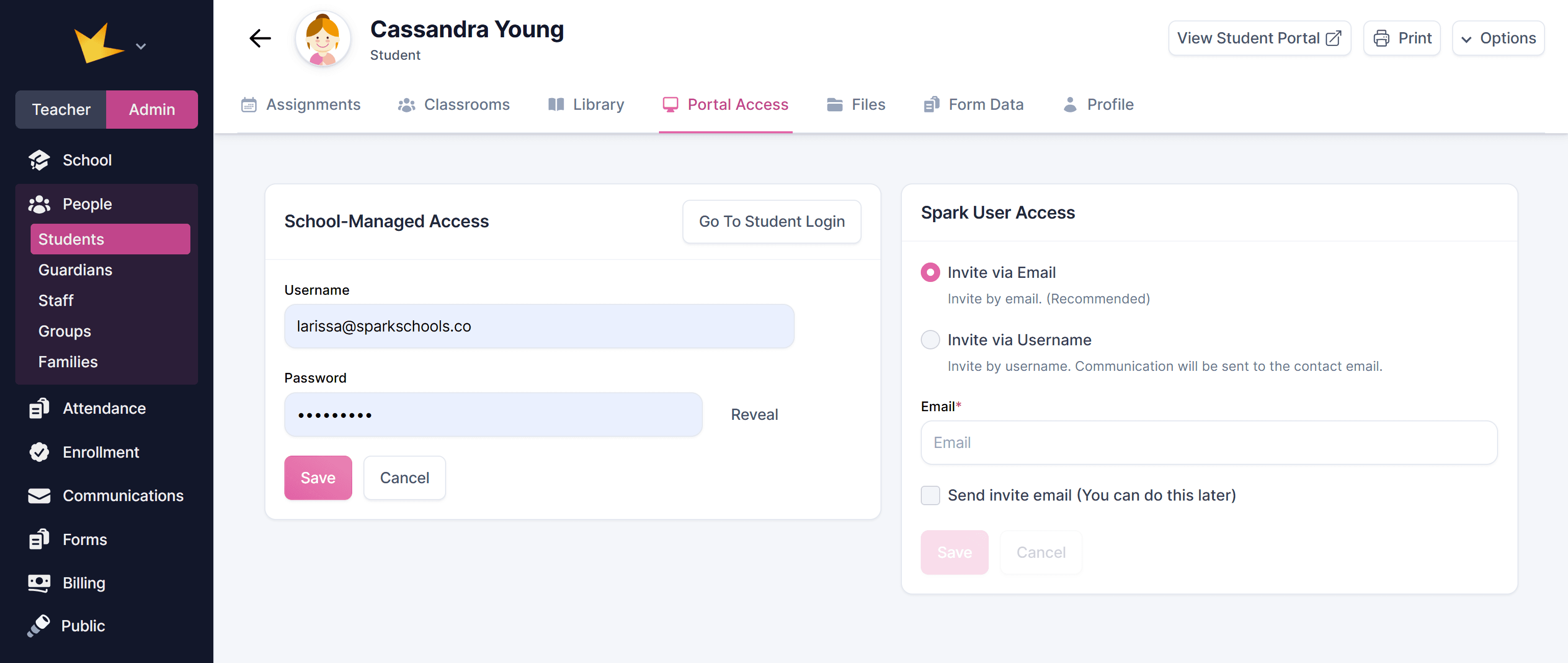
School-Managed Access
This method allows admins or teachers to create and control login credentials. You will have control of and access to this information.
School-managed access can be managed in each student's profile, or for many students at once on the Portal Access page.
Student Profiles:
- Go to the student's profile and navigate to the Portal Access section.
- Locate the School-Managed Access section.
- Enter the desired username and password, then click Save.
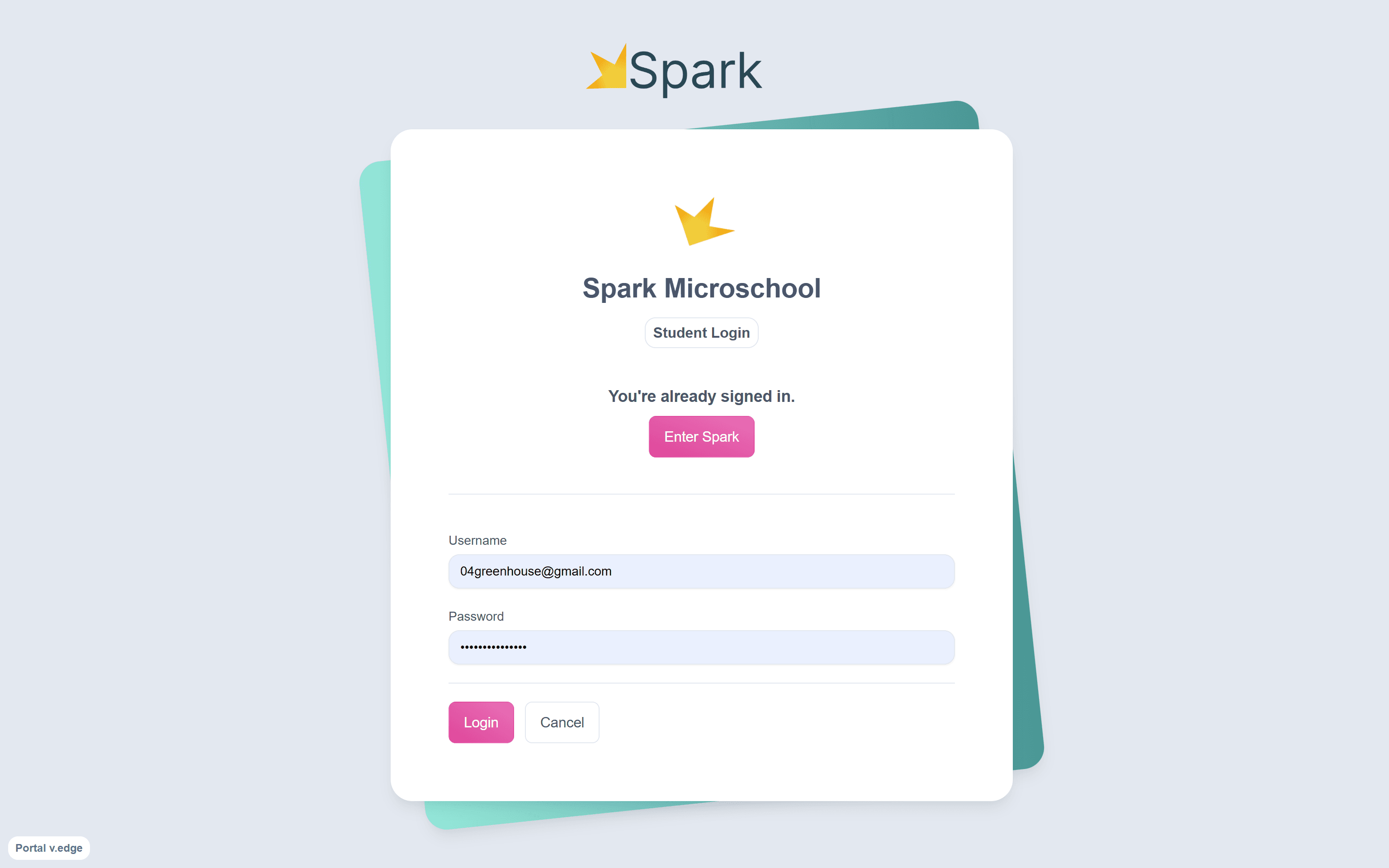
- Send the login link to the student or guardian by clicking Go to Student Login, copying the link, and sharing it. Ensure the student or guardian has the username and password to access the portal.
Portal Access Page:
- Go to People → Portal Access.
- Go to the Students (School-managed) tab.
- Select the students who need portal access. You can Select All or choose only those who are missing credentials.
- Use the automatically generated usernames and passwords, or enter your own.
- When you're ready, click Save All & Send Emails. Guardians will receive an email with their student's login credentials and a link to your school's login page.
Note: Students must use your school's dedicated login page when logging in using the school-managed access. A link to this page can be found at the bottom of your left navigation bar under Links.
Spark User Access
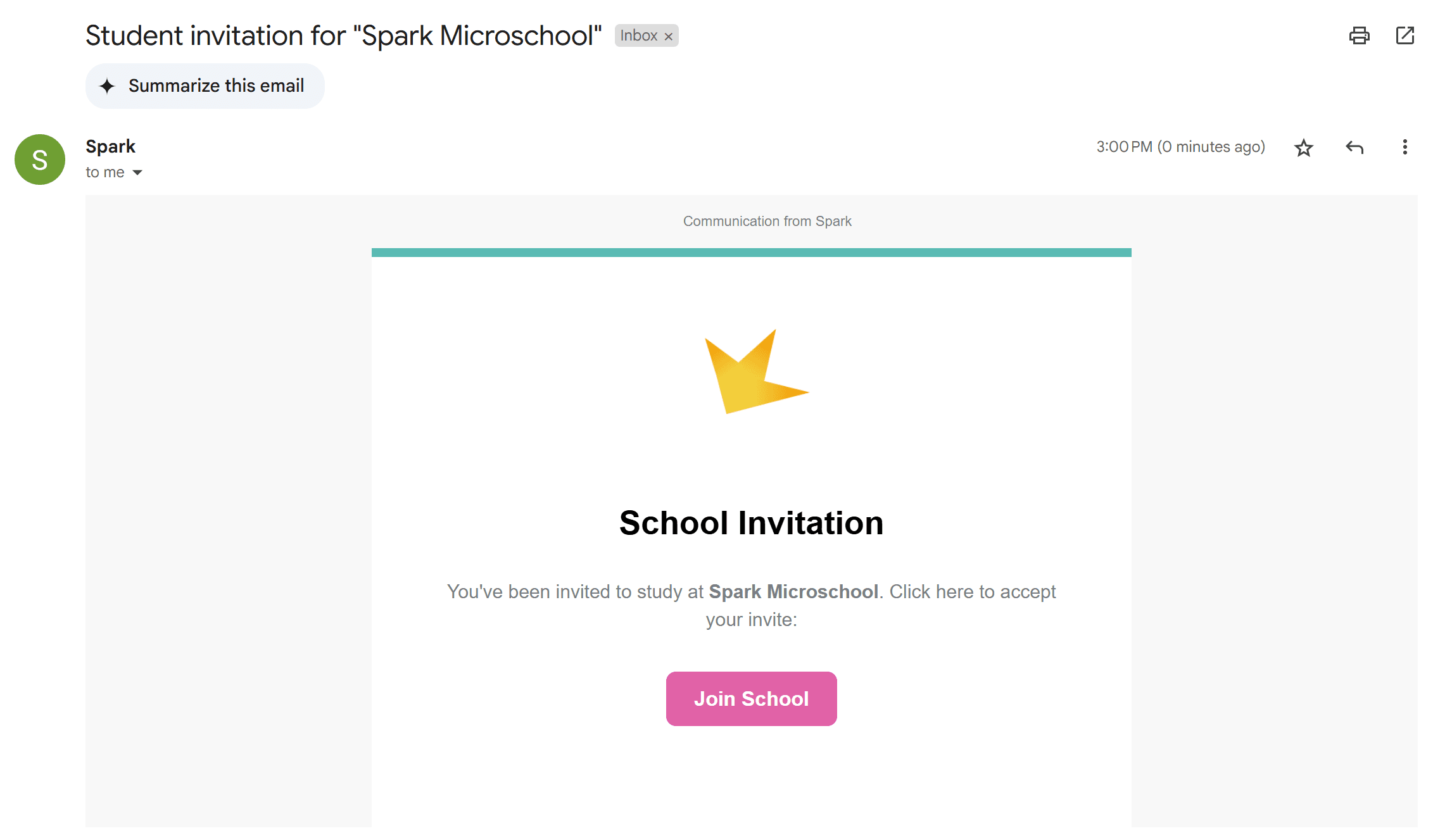
Creating or linking to an independent Spark User account gives more control to the student. Admins send an invitation to a provided email or username. Students must accept the invitation, create a password, and log in.
- Go to the student's profile and navigate to the Portal Access section.
- Locate the Spark User Access section.
- Choose whether to invite the student to log in using an email address or a username (email is the recommended and simplest option).
- Enter the selected email or username.
- Decide whether to send the invite email immediately or later.
- Click Save.
- After sending the invitation, instruct the student or guardian to:
- check their email and accept the invitation.
- create a password and enter a verification code sent by email.
Onboarding Guardians and Students
To help families understand Spark and how to access their portal, share the following documents, or use the Custom Email template, "Welcome/Onboarding for Guardians."
Resources for welcoming and onboarding families
Common Questions
My student has not received a portal invitation.
Double-check that you sent the invitation email in the student's Portal Access tab.
- For School-Managed Access, resend the link by clicking Go to Student Login.
- For Spark User Access, use the Send Invite Email option, and check invitation status on the Portal Access page.
- If the student still cannot see the email, ask them to check the spam folder in their email.
Do students need their own email?
Students do not need their own email—guardian emails can be used.
Do I have to give student portal access?
You do not need to give students portal access in order to view their portal as a teacher. To view any student's portal, click the Students field at the bottom of the left navigation bar, find the student, and click View As Student.