- Help
- School Settings
Custom Attributes
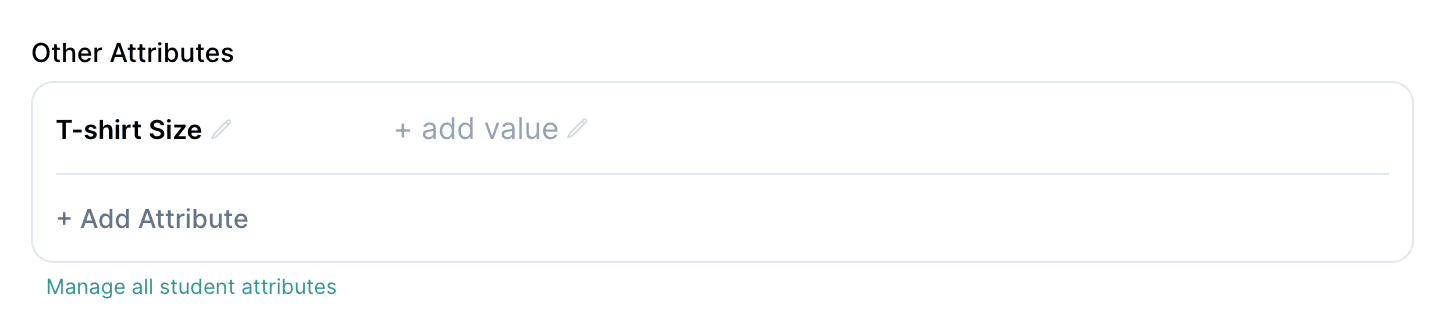
Custom Attributes will appear as data fields on the profiles for the people or items assigned.
You can apply them to:
- Student Profiles
- Staff Profiles
- Guardian Profiles
- Family Profiles
- Group Profiles
- Contact Profiles
If an attribute is marked as "Always appear in attributes regardless of value being present", then a blank attribute will appear on every person/item's attribute list the item is applied to, regardless of a value being present.
A single attribute can be shared across any of the above locations.
Examples:
- T-shirt Size (Select one): Applied to students, staff, and guardians.
- Student ID (Short text): Applied to students only.
Next Topic:
Subscription
Subscription