- Help
- Getting Started
Creating a School
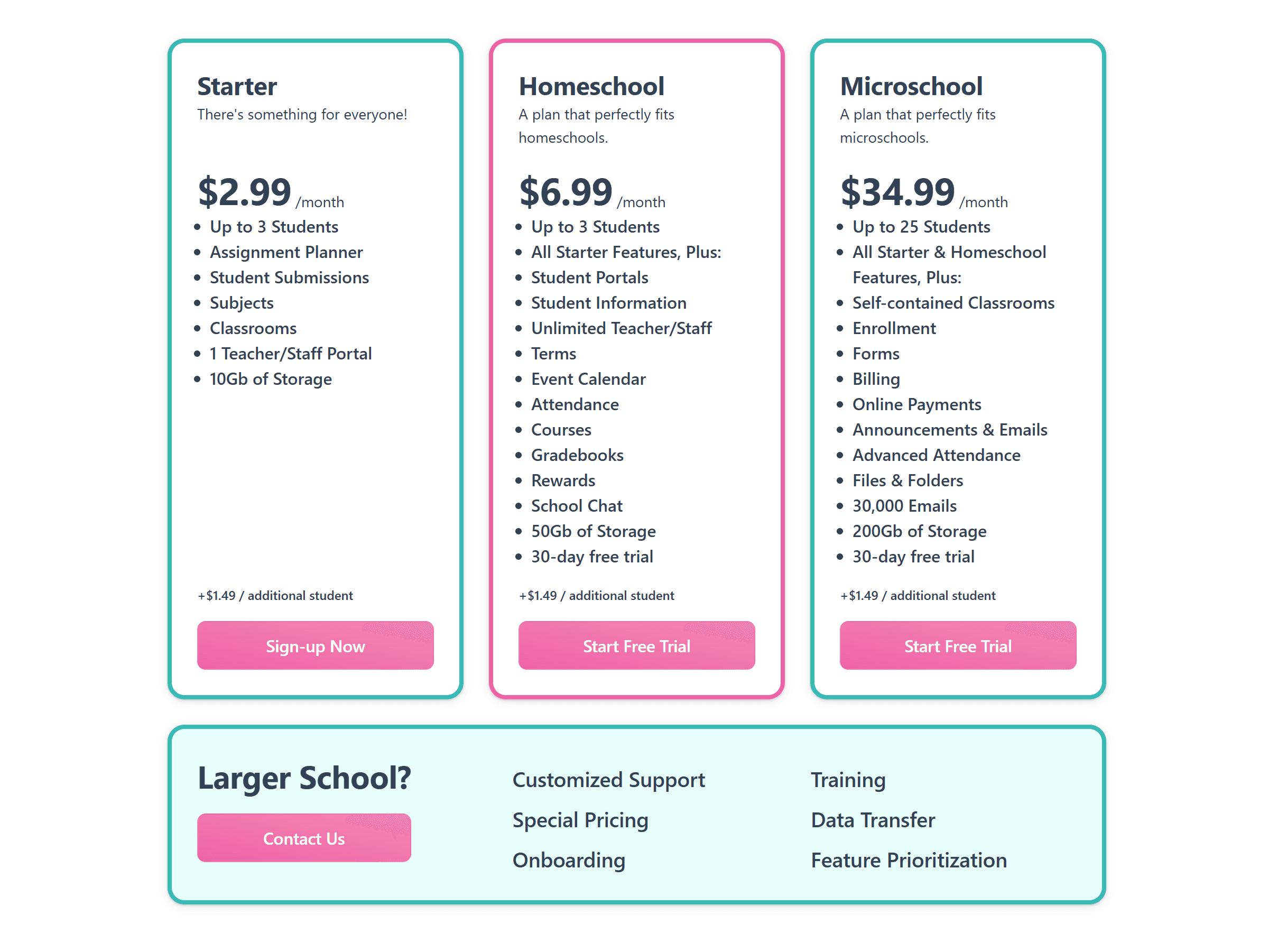
To create a new school click Try Spark Free at the top right. This takes you to our pricing page. Select the plan you wish to try.
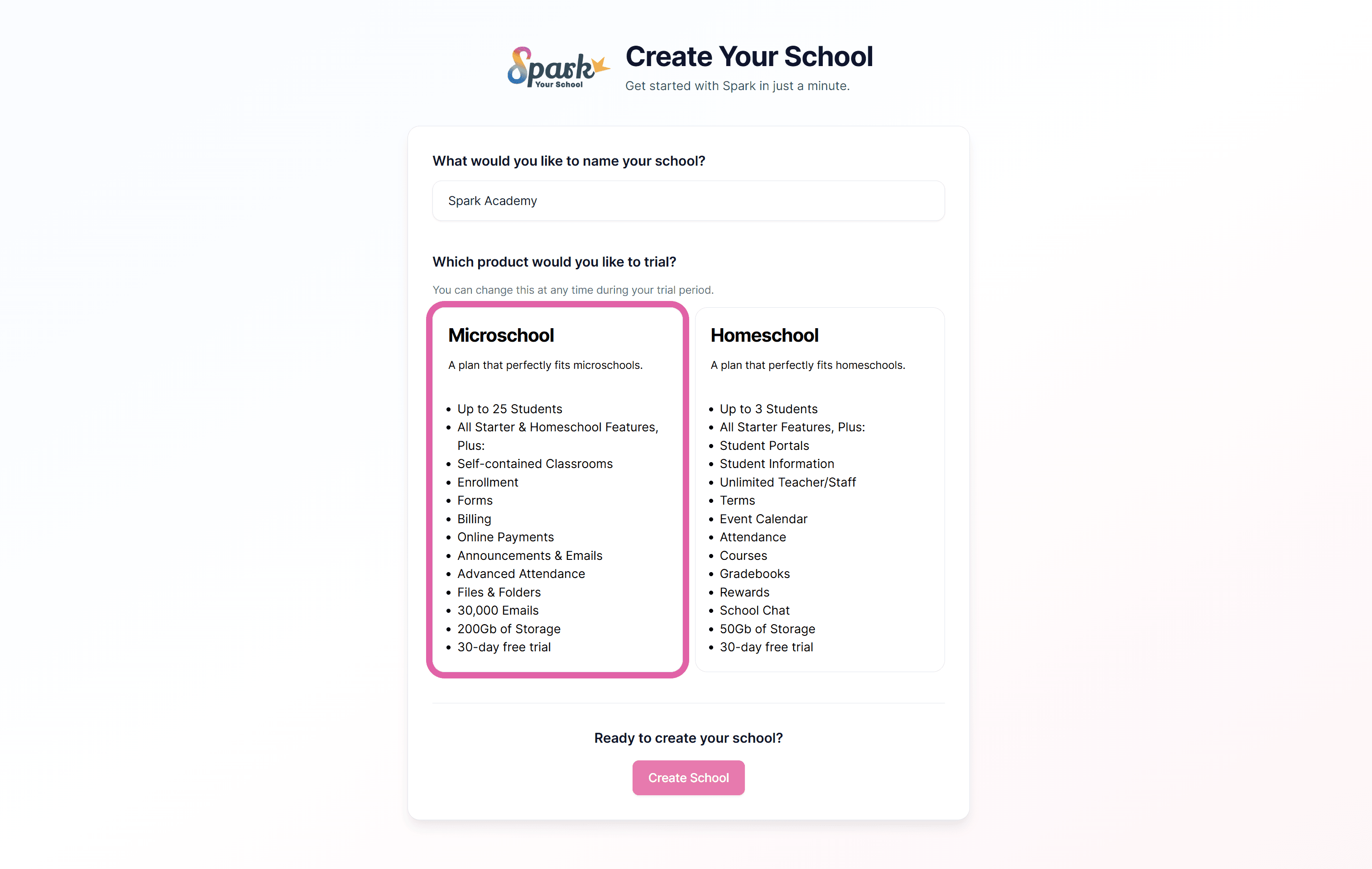
Name your school and make sure you've selected the correct product to trial.
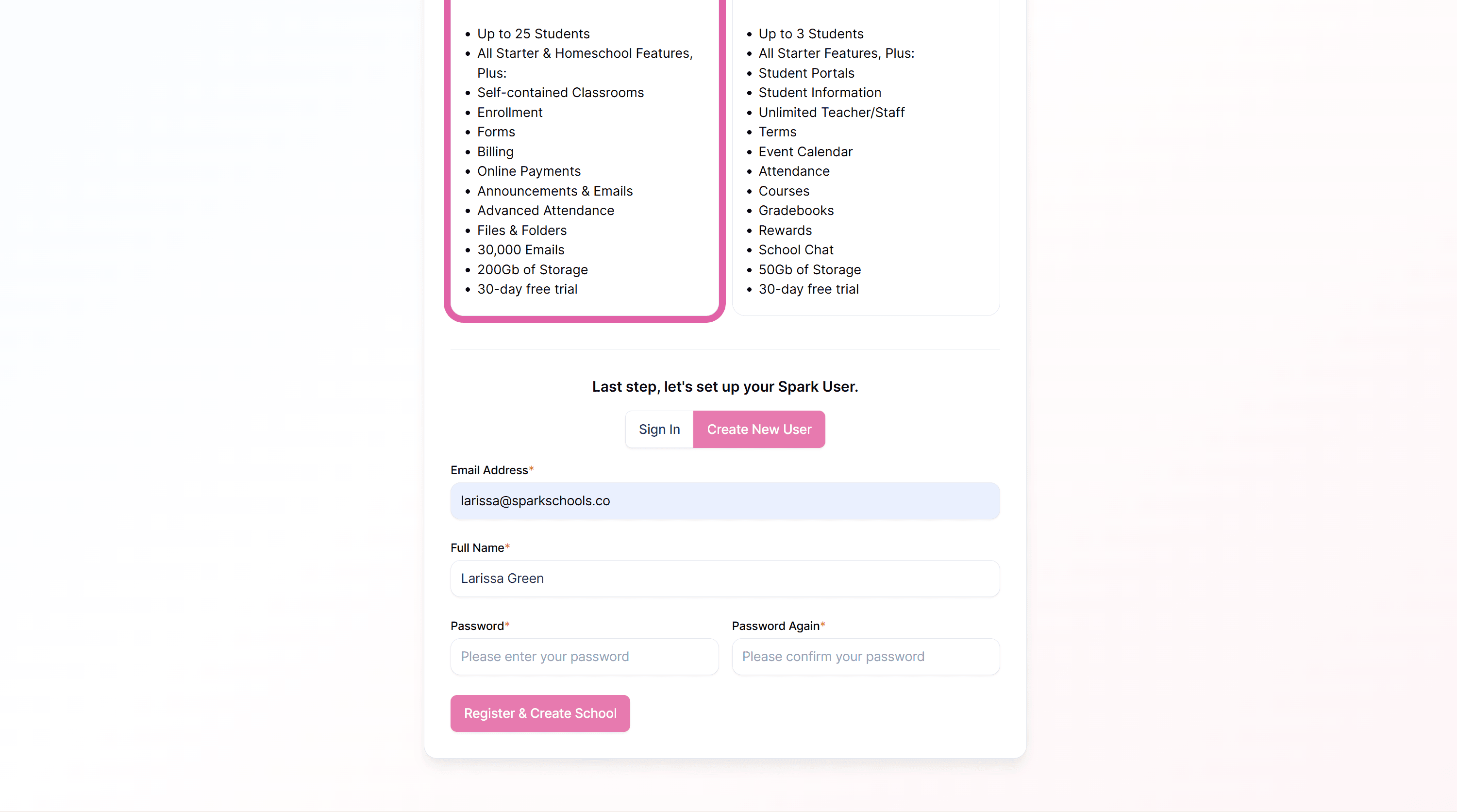
Enter your user information. If you’re already a user, click Sign In and enter your login. If you're a new user, enter your email, name, and create a password. You will be asked to verify your email with a verification code.
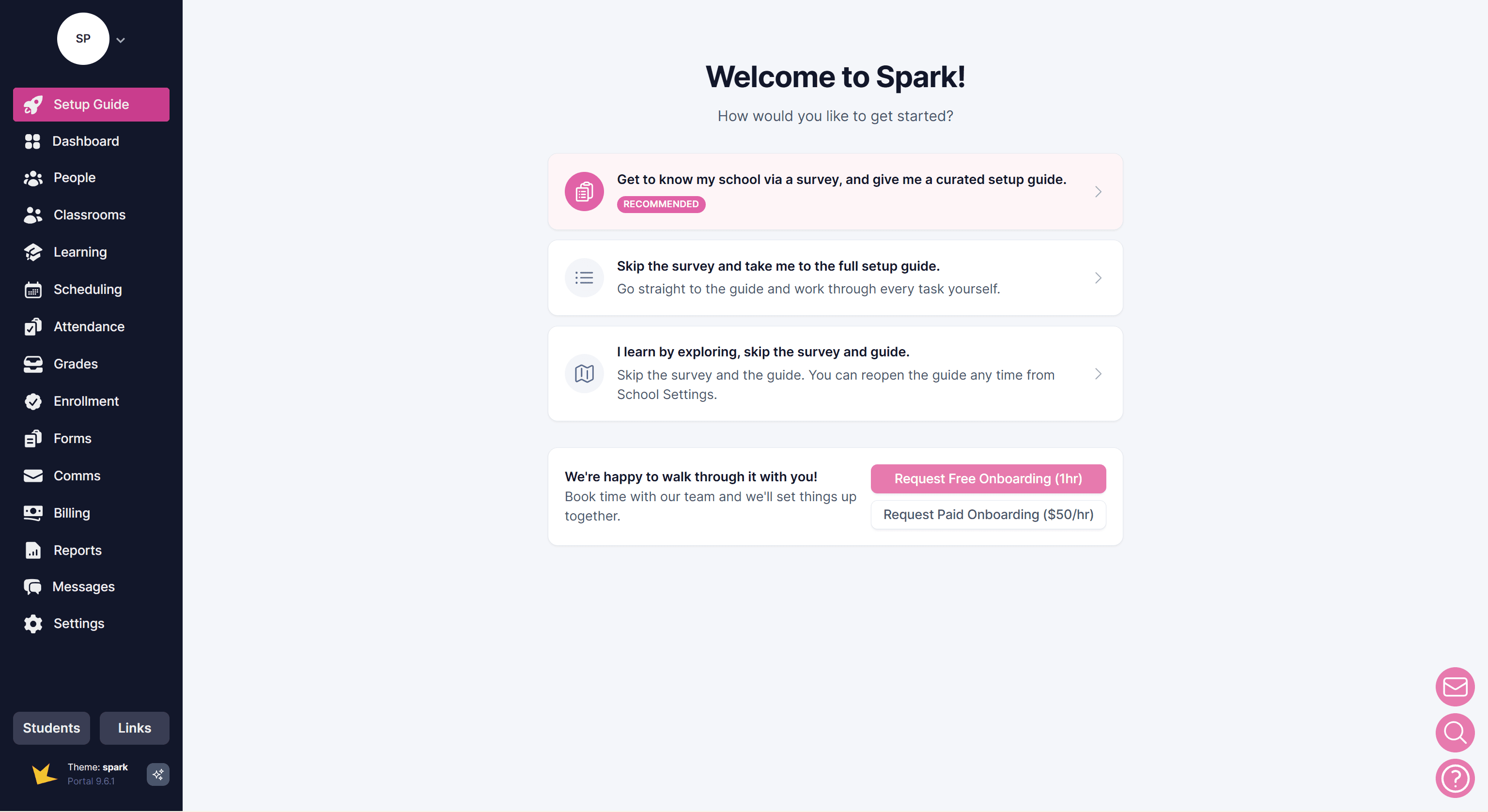
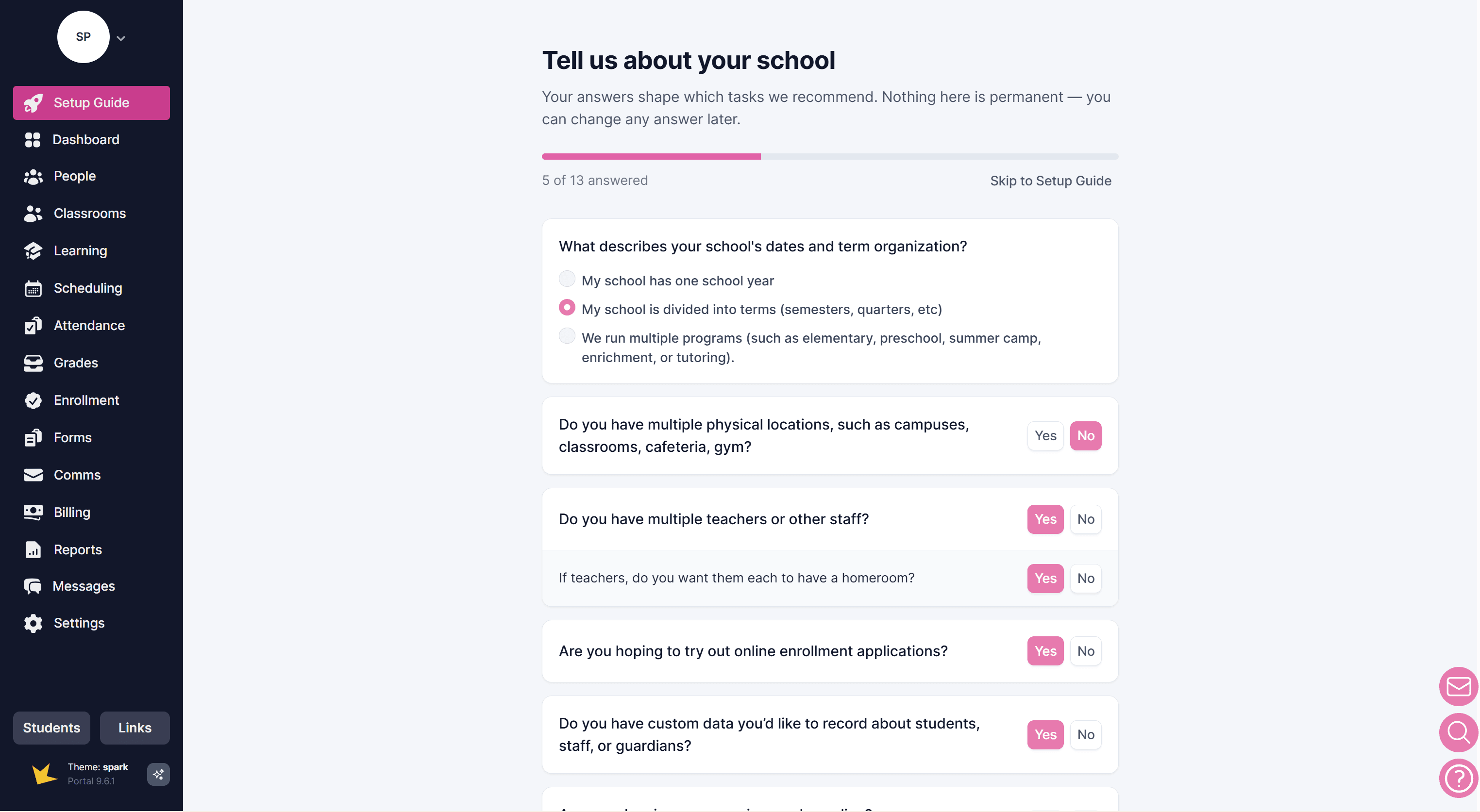
Once you click Register & Create School you will enter a Setup Guide, beginning with a survey. You can choose to skip the survey if you wish.
You can also request your free onboarding session. Each new school receives one complimentary session. Additional sessions are $50/hour.
If you select to go through the survey, answer each question. Your answers help Spark tailor the setup guide for your specific school or program.
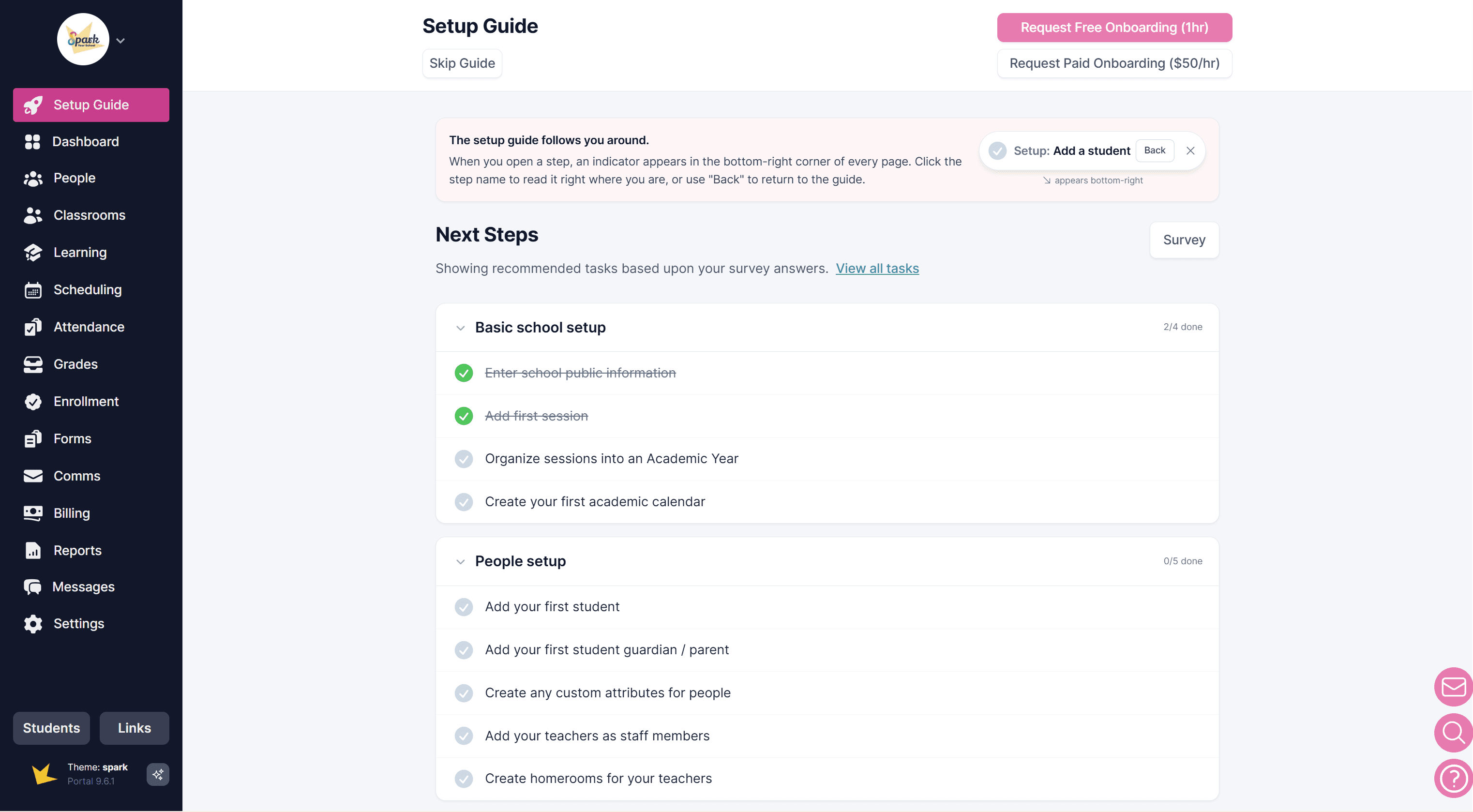
Once finished with the survey, a Setup Guide will appear with a list of tasks to complete in order to get your Spark platform up and running. You can leave the Setup Guide at any time, and return to it as needed.
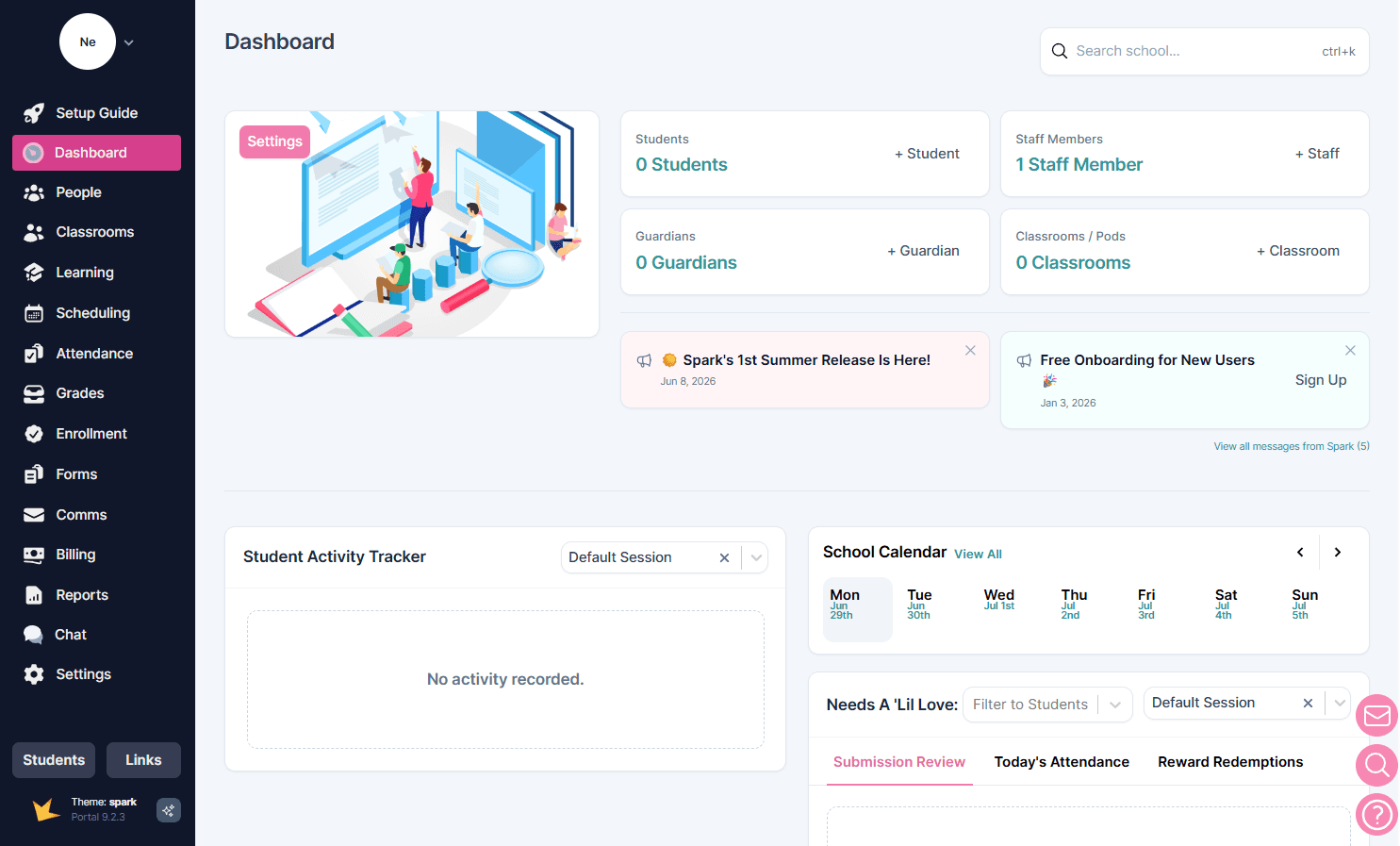
When you return to your Spark platform, you will land on your Dashboard. From here, you can navigate to any part of your Spark platform.
Try Spark for free
Click below to create a new Spark school