- Help
- Forms
About Forms
About Forms
The Forms feature helps you efficiently collect and record information and payments. They are designed for external users to fill out and submit. These forms can be:
- Posted on your School Resources & Information Page
- Shared on Guardian Portals
- Sent via email as a form request
- Shared as a public link
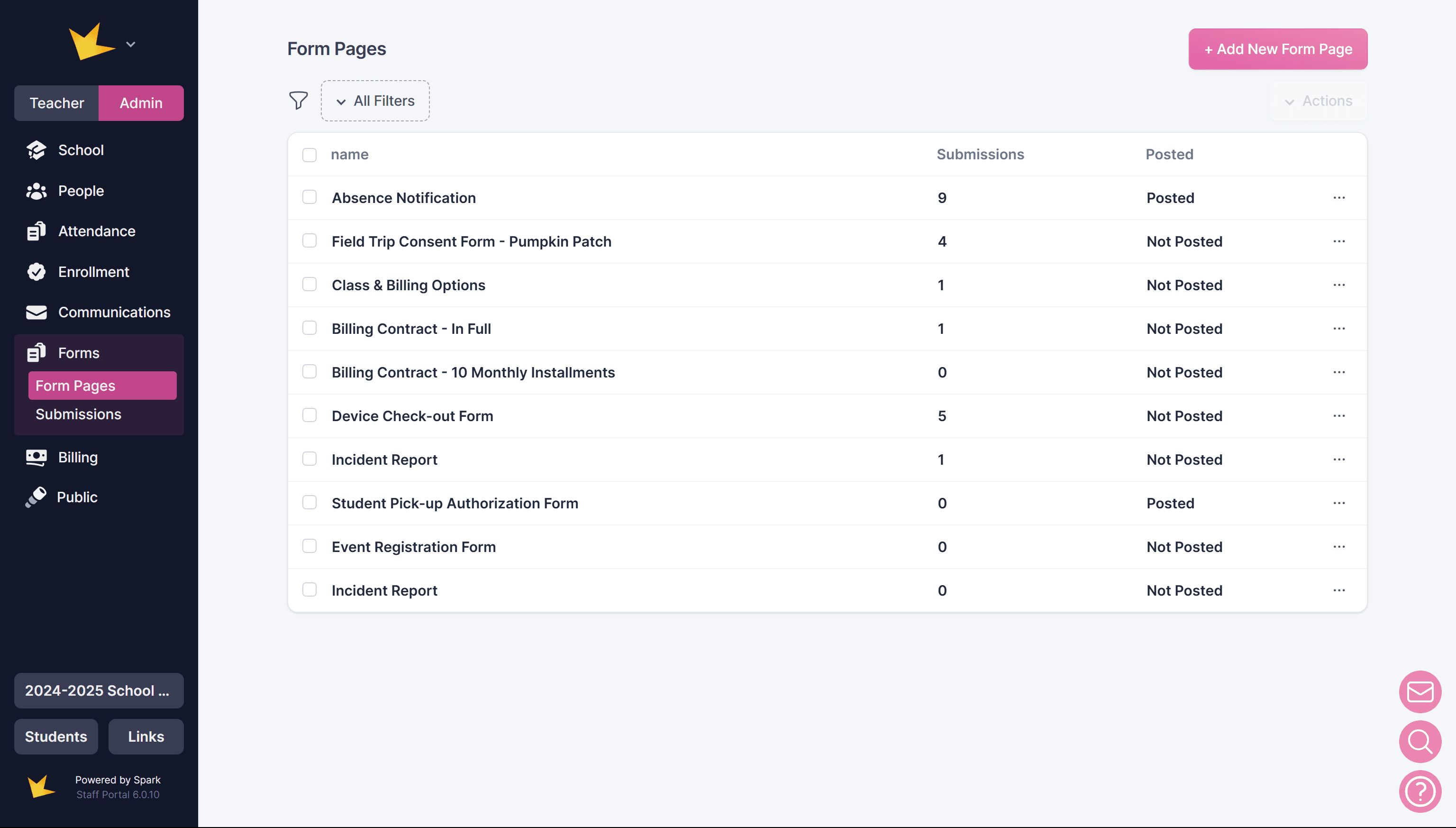
Creating Forms
You can create Form Pages from scratch or use a template. They are fully customizable and can include:
- Signature fields for approvals
- Payment fields to collect online payments directly through the form
- Branding options, including banners, icons, and color customization
To learn more about creating and customizing Form Pages, see Creating Forms.
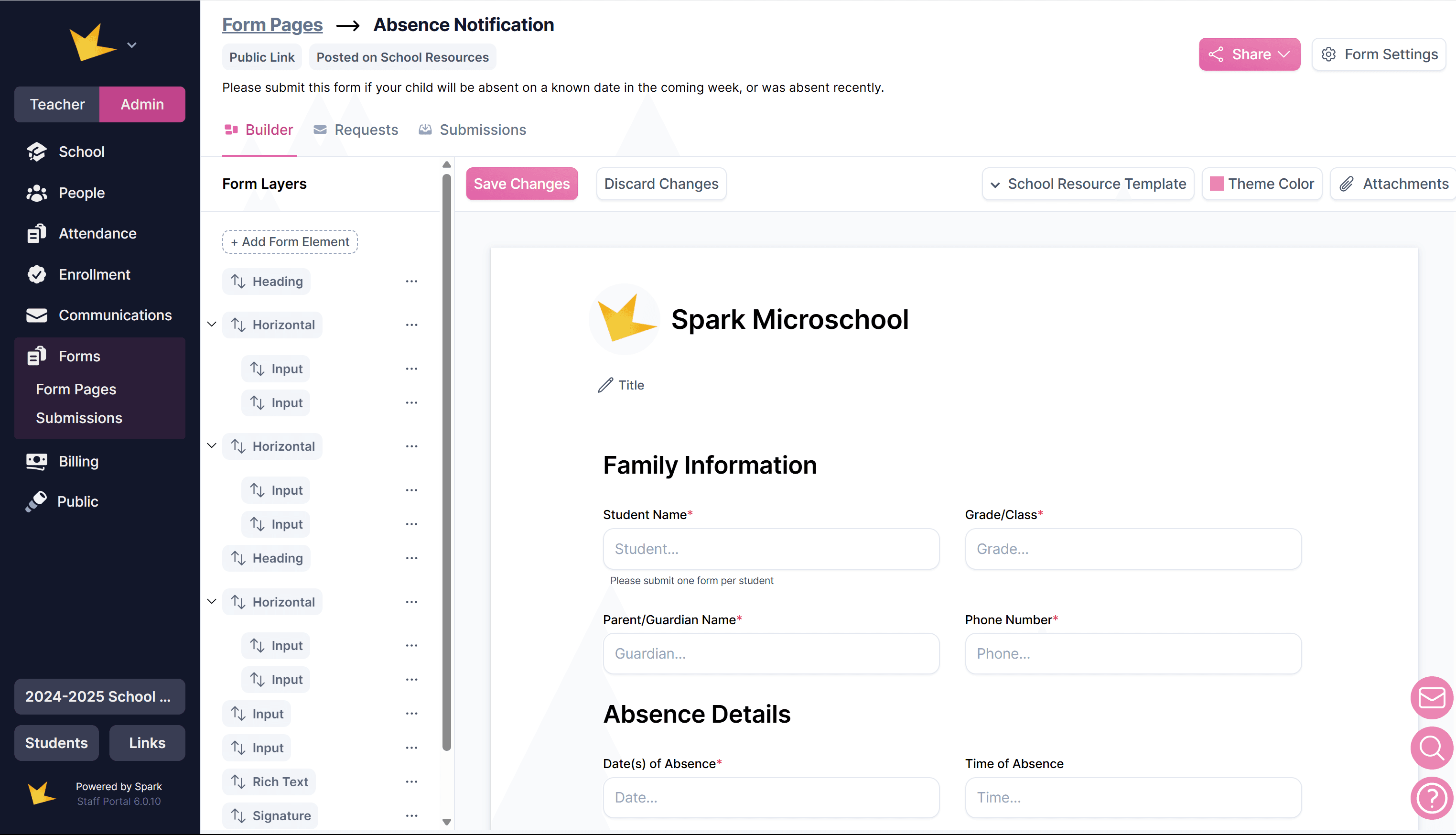
Form Submissions
Once a Form Page is submitted, you'll receive an email notification, and the submission will appear in the Submissions section of Forms.
For details on managing form submissions, see Managing Submissions.
FAQ:
Next Topic:
Creating Forms
Creating Forms