- Help
- For Guardians & Students
Student Portal
👋 Welcome to the Spark Student Portal! This is your child’s place online to see schoolwork, talk with teachers, check the calendar, and even earn rewards. Here’s how to get started and what your student can do once they’re logged in.
🚀 Getting Started
To log in to the Student Portal, follow the instructions sent by your school.
🏫 Logging in with school-managed info
If your school wants to manage your Spark login information, they will send you your username and password, along with a link to your login page. Use this information to log in to your student portal.
👤 Logging in as a Spark User
Your school may want to give you control over your Spark login. In this case, you'll create your own Spark User. Follow these steps to do so:
1. Check your email.
Your school will send you an email titled “Student Invitation for [School Name].” It will come from Spark.
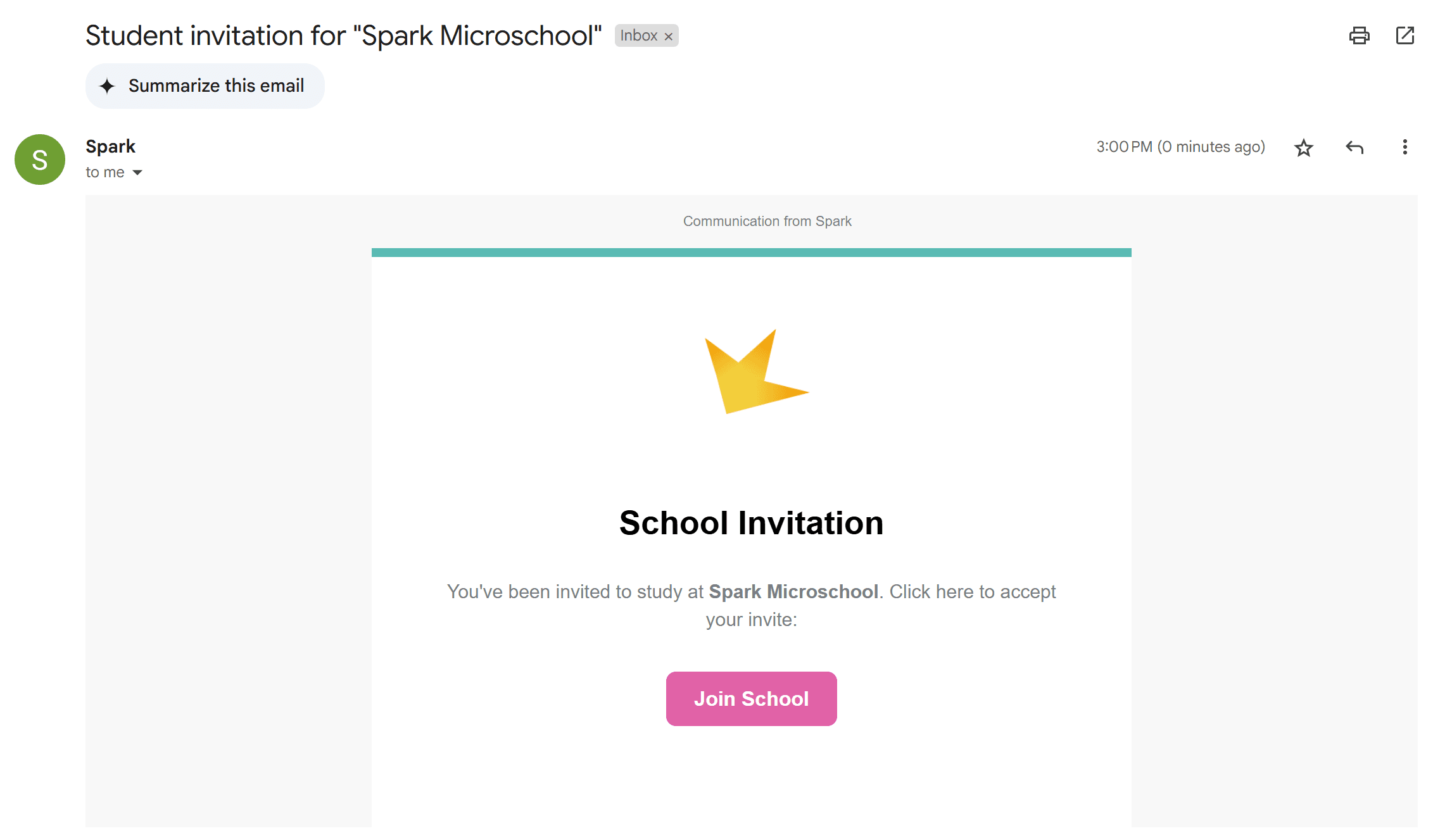
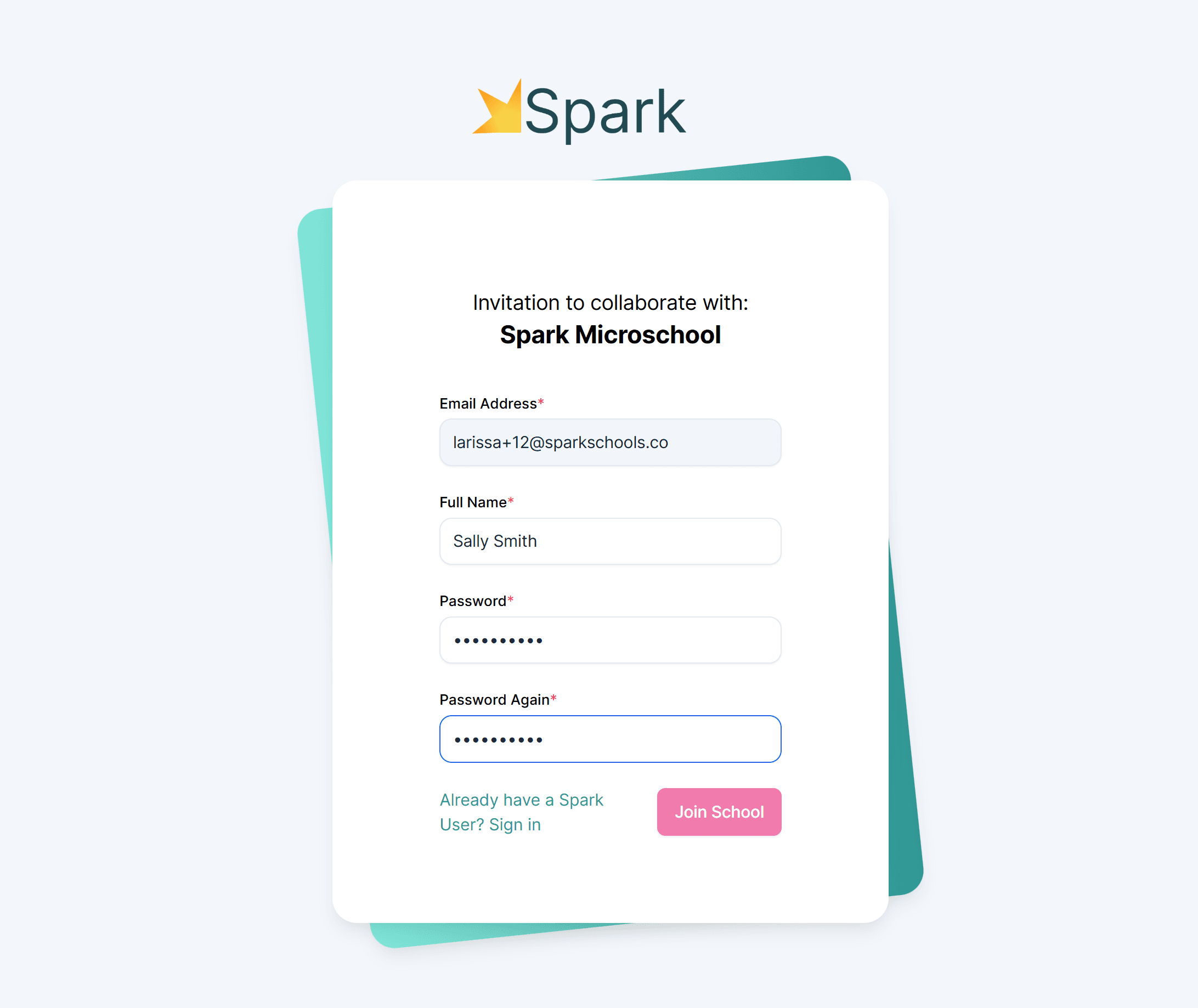
2. Set your password
- Open the email and click the button inside.
- You’ll be taken to a page where you can create your password.
- This password, along with your email address, will be your login credentials.
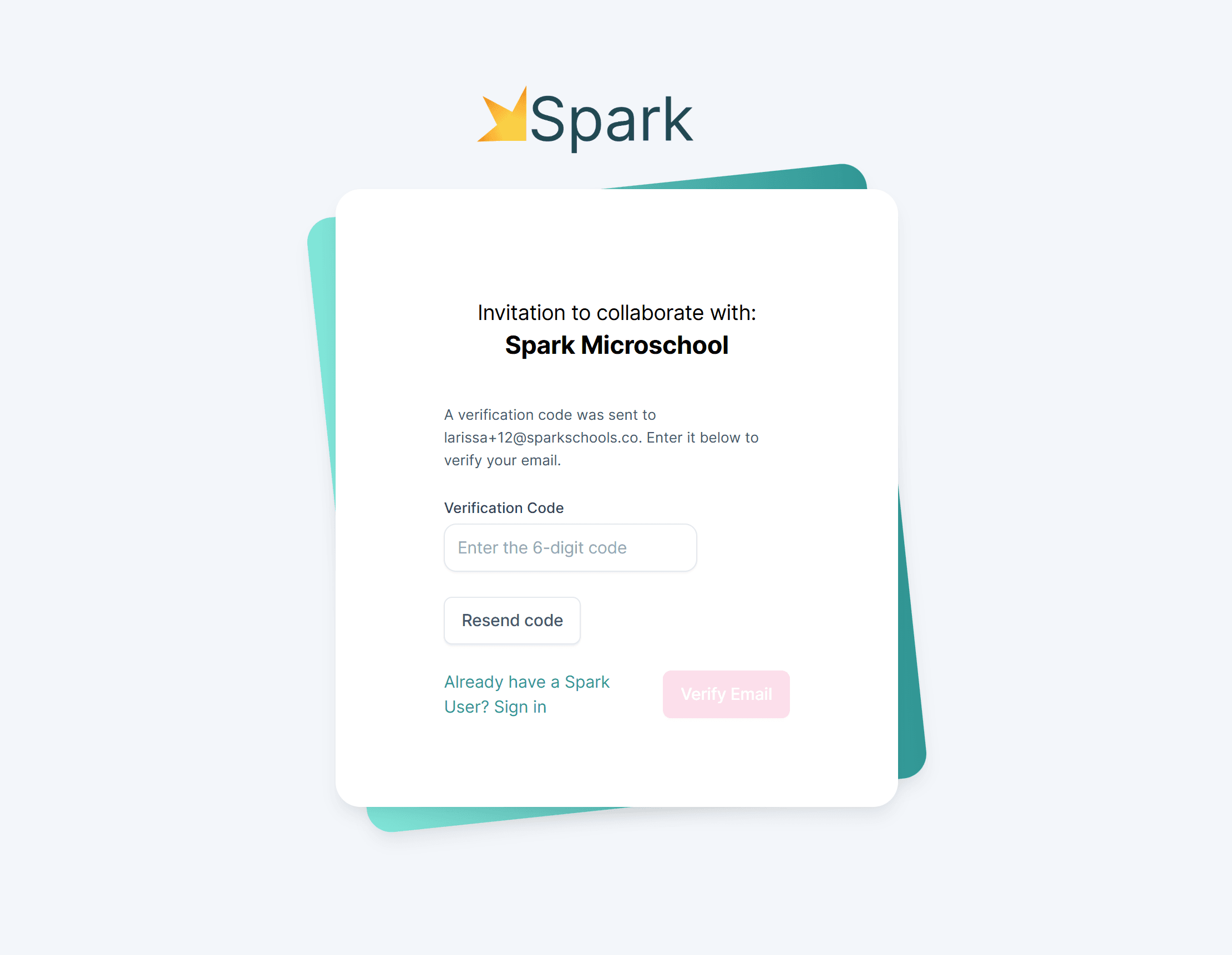
3. Verify your email.
- Use the code sent to your email to verify.
- Once verified, you will enter your Spark User and can go into your Student Portal.
4. Log in anytime
- Go to sparkyourschool.com
- Click Log In at the top right.
- Use your email and password to log in to your student portal.
Note: Spark does not currently have a student app. For best results, use a desktop or laptop.
↪️ Inside the Student Portal
The Student Portal has several sections to help students stay organized and connected:
📘 Assignments
- See all their assignments in one place.
- Each one is marked (Due Today, Late, Redo, etc.).
- Click an assignment to see instructions, links, or files.
- Submit work and see teacher feedback.
🎯 Goals & Today's Events
- Submit and track learning goals set by the teacher.
- See classroom activities for today.
💬 Chat
Send messages to teachers and guardians.
📅 School Calendar
View school events.
📚 Library
Keep a record of the books you've read.
🏆 Rewards
Redeem rewards using points earned.
📊 Grades
View your score in each class (if your teacher enabled live grades).
❓ Need Help?
If your student is unable to log in or access their portal, please reach out to your teacher or school administrator for assistance.